The AwARe-app is a mobile augmented reality (AR) app that can visualize resources required for food production. Its aim is to increase awareness and responsibility around the ecological impact of food choices, including food waste.
Users can scan a room (for example their kitchen) and enter a list of ingredients. Then, the resources needed for the production of those ingredients can be generated inside the user’s room, using AR.
The goal of this project was to produce an initial prototype to test and evaluate potential systems, that could be expanded into a fully functional application.
My contributions
As this was a graduation project for Computer Science, the project’s focus was mainly technical. I helped out with a lot of different components, such as locally storing ingredient lists and rooms (using datastructures), loading rooms using anchorpoints and generating a path through the room (using erosion and multithreading). I also designed part of the UI flow.
In the second period, I served as Scrum Master, leading sprint planning, tracking progress and deadlines, maintaining JIRA with the Product Owner, and reallocating tasks when needed. I worked closely with the Product Owner to prioritize tasks to deliver an as polished product as possible within the given time.
Date/Period:
sept 2023 – feb 2024
Project type:
Graduation project
Tools I used:
Unity (AR)
Visual Studio with Resharper
Github
JIRA
Team:
Sander Buitenhuis
Martijn de Bruijn
Max Willemsen
Marco Kamphuis
Nick Mandoeng
Kizi Huijsman
Nathan van de Kolk
Joep Kneefel
Result
The app contains the following components:
Ingredient Lists
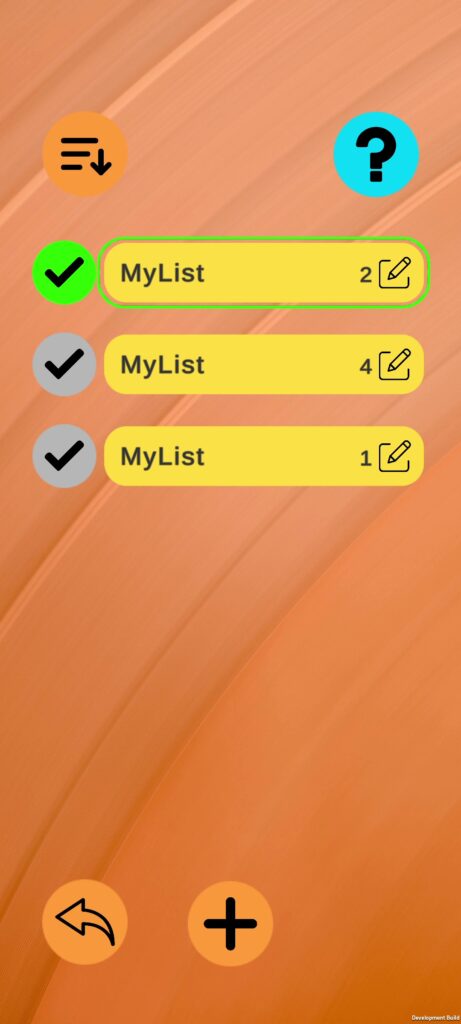
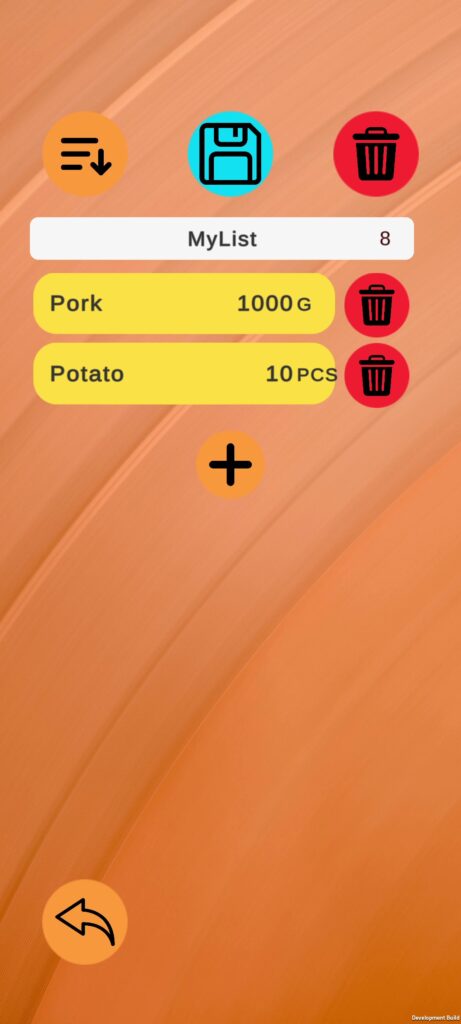
The Ingredient List section lets users create and manage lists by searching for and adding ingredients with quantities (grams, millilitres, or pieces). The lists are stored locally on the device. They can be edited, deleted, and selected to be generated in the room.
Room Scanning
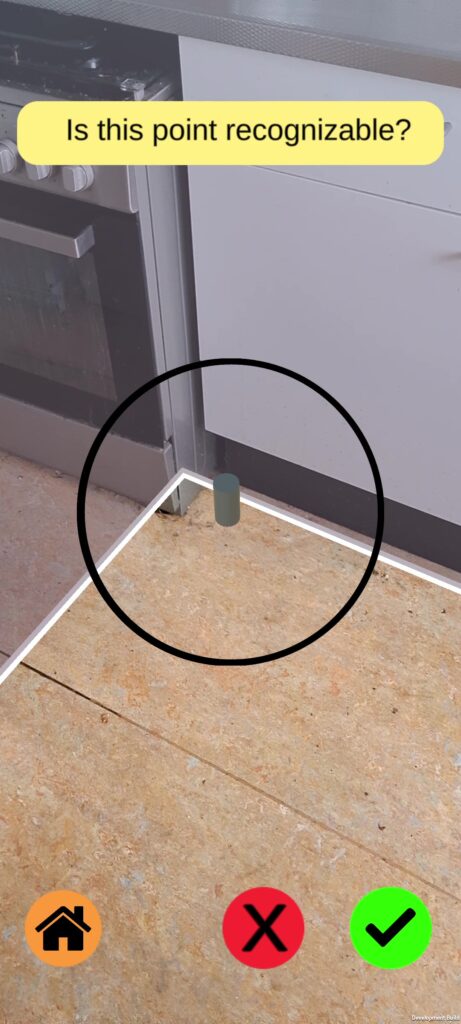
Room Scanning lets users outline the shape of the room and obstacles in it. This is done by drawing polygons and assigning each one a height. The app generates a floor path within these outlines, after which the room can be saved locally. Previously saved rooms can be reloaded using reference points (‘anchor points’) to sync the real and virtual room layouts.
Object Generation
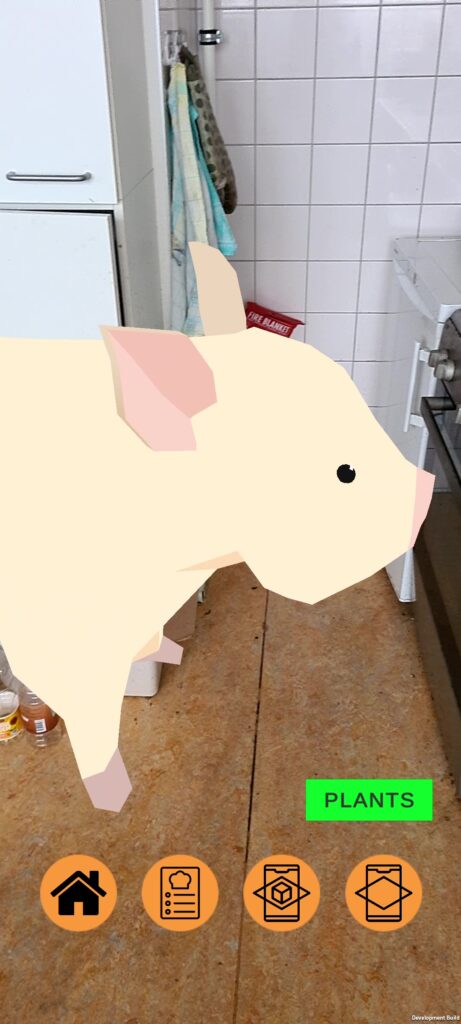
When a room and ingredient list are selected, the app generates the ingredients and their resource costs within the area defined by the user. Objects spawn in clusters by object type.
Resources can be split into two rooms: one for animal components and one for plant components. Both rooms include the water required for the production. Users can switch between these rooms using the ‘animals’ and ‘plants’ buttons.
Questionnaire
The application supports the ability for surveys. Users can answer different types of questions considering consumer lifestyle and food waste. The system sends reminders to fill in the questionnaire through a timed notification.
Database & Server Integration
A database, hosted on a remote server, contains data needed to create ingredient lists and to convert ingredients into rendered models. The server also supports user accounts, allowing users to log in, store questionnaires, and receive them through the application.